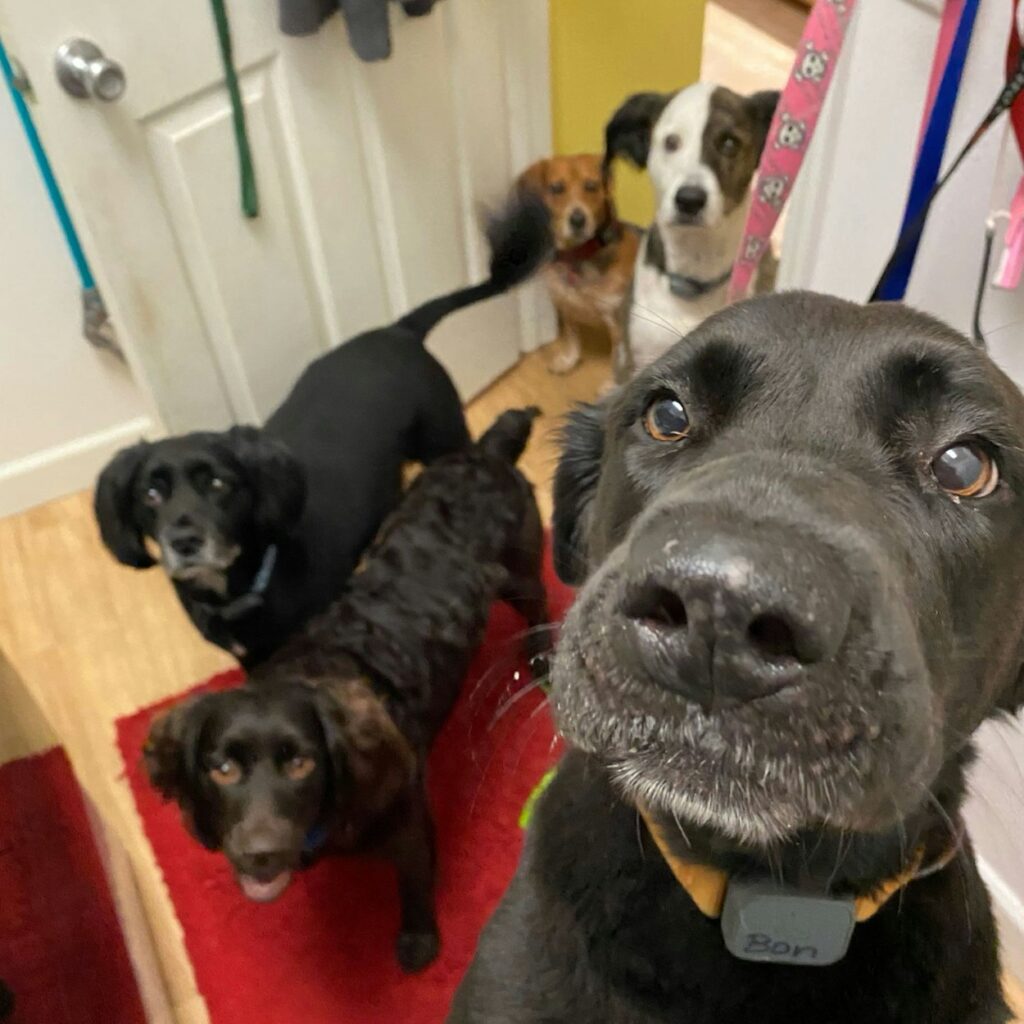
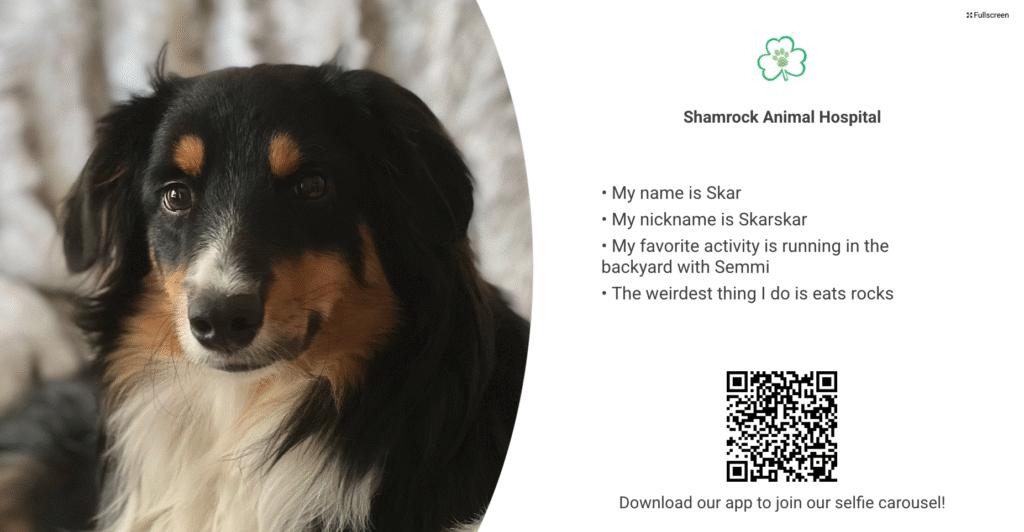
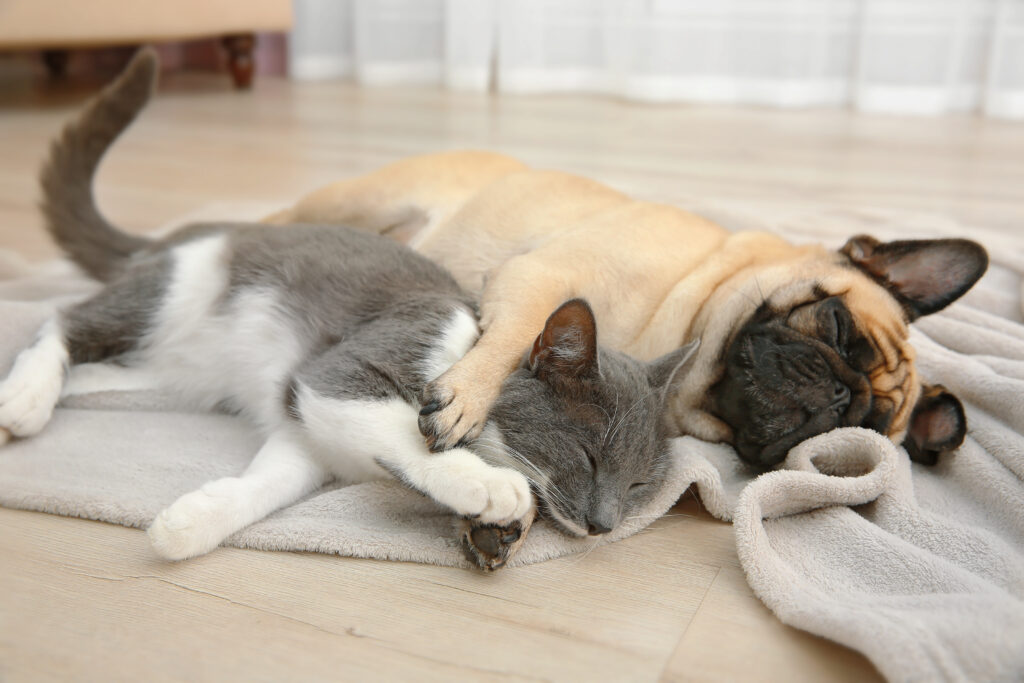
Already part of the family? Use the email we have on file to upload your pet’s photo and see them shine in our Pet Carousel!
1. Download the Shamrock Animal App.
2. Create a login.
3. Verify your email.
4. Once the email is verified, navigate back to the app.
5. Click on the “Selfies” icon.
6. In the upper right-hand corner, click on “View My Selfies”. If you haven’t added your pet, you will have to do that first.
7. Once pet has been added, click on “Send Pet Selfie.”
8. Click the pet you want to submit a selfie for.
9. Fill out the form and press submit.